
Rank and Rent WordPress Plugin: Overlay Any Site on Your Ranked Domain (2026)

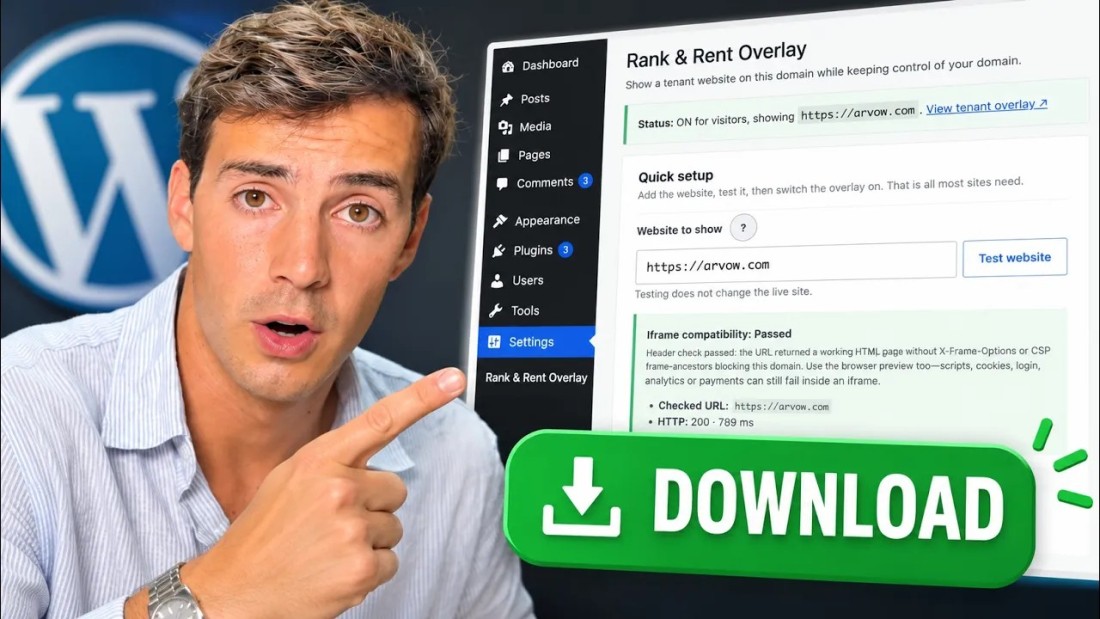
A rank and rent WordPress plugin does one specific job: it shows a tenant's website on the domain you have ranked, without you touching their hosting, DNS or code. Paste their URL, test it, switch it on, and your ranked domain now displays their site to every visitor while the address bar still says yours. The video below is a six-minute demo of Arvow's Rank & Rent Overlay plugin doing exactly that — first with a Dallas plumber, then with a SaaS product — plus the pitch it makes possible and how to get the plugin. This article walks through the demo, explains what the plugin actually does under the hood, and is honest about the one SEO trade-off you need to plan around.
What the plugin does: same domain, different site

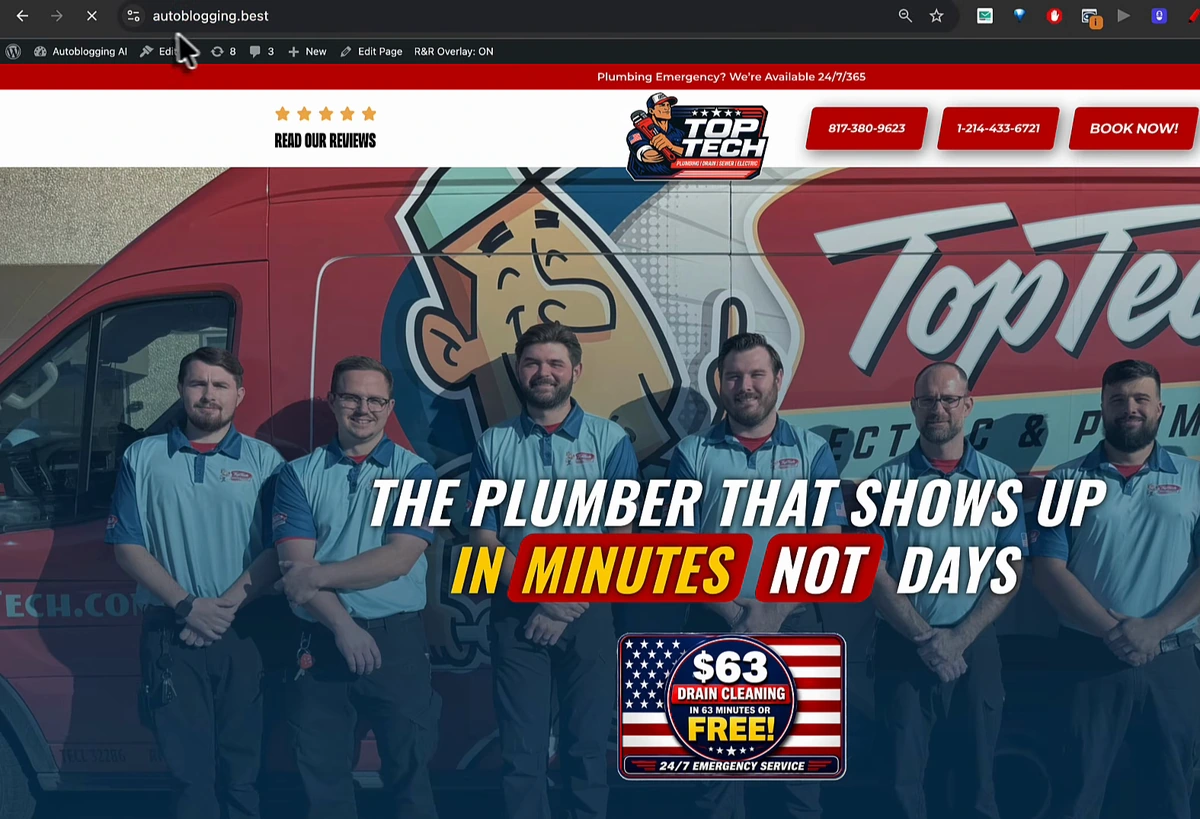
The demo site is autoblogging.best, a test domain that ranks for the "autoblogging AI" keyword. With the overlay off, it shows its own WordPress pages. With the overlay on and a plumber's URL pasted in, the same domain shows the plumber's website — and the video makes a point of clicking around to show that every link, button and phone number on the overlaid site works. Vasco describes it as taking "from this to this" on the exact same domain, and that is the whole product: the domain and its rankings stay yours, the visitor experience becomes the tenant's.
How it works, step by step
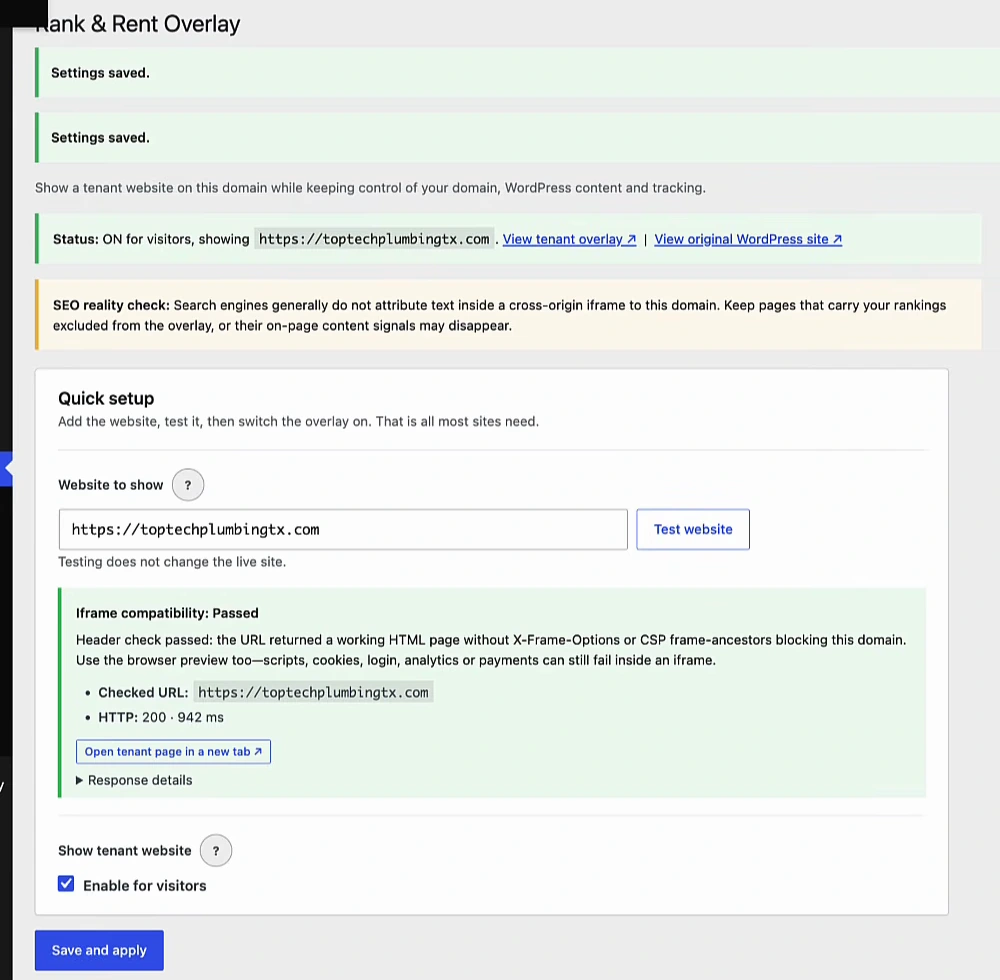
The plugin lives under Settings → Rank & Rent Overlay in the WordPress admin. The quick-setup flow shown in the video is three actions:
- Paste the tenant's URL into "Website to show". The field remembers previous URLs, so swapping between tenants later is a dropdown pick.
- Click "Test website". The plugin fetches the URL and checks whether the site can be framed at all — it reads the
X-Frame-Optionsheader and anyContent-Security-Policy: frame-ancestorsrule. In the demo both plumber sites pass ("HTTP 200 · 942 ms"). If a site blocks framing, visitors would see a blank box, so the check fails in red before you go live. This matters more than it sounds: Wix, Squarespace and WordPress sites running security plugins often block framing. - Tick "Enable for visitors" and Save and apply. Refresh the front end and the overlay is live. The status bar at the top of the settings confirms it: "ON for visitors, showing …".
Underneath, the plugin renders the tenant's site in a full-screen iframe on your front-end URLs. A few details from its settings and documentation are worth knowing before you rent anything out:
- Where it appears can be the entire site, the homepage only, or a list of paths — excluded paths keep showing your normal WordPress content, which is how you keep a blog or legal pages on the domain.
- Mirror path means
yourdomain.com/aboutframestenant.com/about; untick it to always show the tenant homepage. - A sticky call bar above or below the frame with your own tracking number, text and colours — this is how you prove the leads you send.
- Extra head HTML for analytics, call tracking or pixels is injected on every overlaid page, and
wp_head()still runs, so your SEO and analytics plugins keep working. - System paths are never overlaid — wp-admin, login, REST API, feeds, robots.txt, sitemaps — and appending
?rro=offto any URL shows you the underlying site while the overlay stays live for everyone else. - It refuses to enable itself with an empty URL or with its own URL, which would frame itself forever.
The rank and rent play it enables
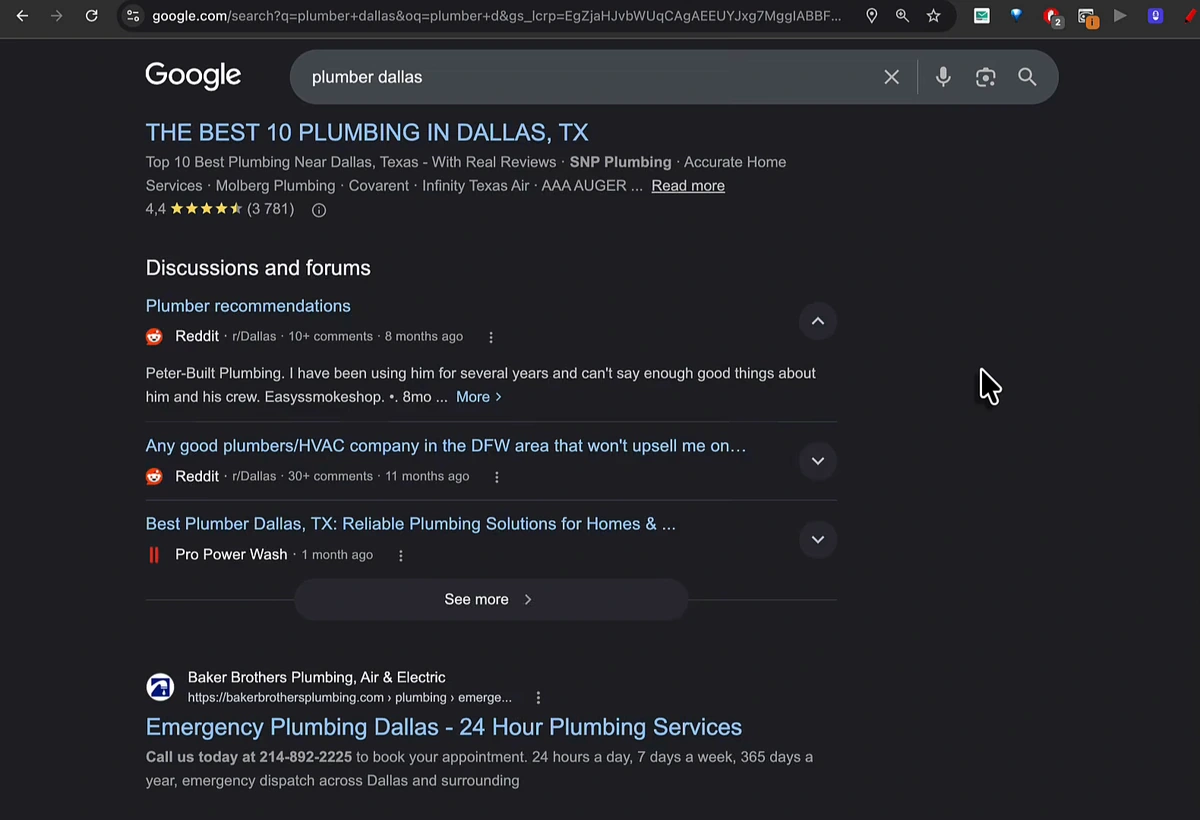
If you are new to the model, our rank and rent SEO guide covers it in full; the short version is that you rank your own domain for a commercial local query, then rent that ranking to a business that wants the calls. The video's example is the one Vasco always uses: plumbers in Dallas. Your site ranks on page one for "plumber Dallas". Scroll to page four, find a plumbing company that is nowhere, copy their URL, paste it into the plugin, test, save. Their site now loads on your page-one domain.
That turns the pitch from a promise into a demonstration. Local businesses are pitched SEO every day and ignore most of it; the difference here is that you can call and say, in Vasco's words, "how much would you pay me if I were to rank you first in literally ten minutes?" — and when they say they don't believe you, tell them to search the keyword and click the top result. They see their own site. Traditional rank and rent reroutes a phone number on your site to theirs; the overlay hands them the entire visitor, on their own pages, with their own booking flow. There are, as the video notes, more aggressive versions of the pitch, but the mechanism is the same. The keyword research to pick the query is covered in local SEO keyword research, and the work of actually reaching page one for it in how to outrank local competitors.
Why owning the asset is the point
The reason to overlay rather than to build the client a site is control. You own the domain; the rankings are yours. In the demo Vasco swaps tenants in seconds — the plumber, then his own company's site, then a test site — and each time the domain is unchanged. If a tenant stops paying, you paste the next URL and the traffic goes to whoever is paying now. That is also why the plugin keeps a list of previous URLs: a rented domain changes hands, and the swap should take one click, not a rebuild. The economics of what a ranked local domain is worth per month are worked through in how much money you can make with rank and rent.
It is not only for local businesses
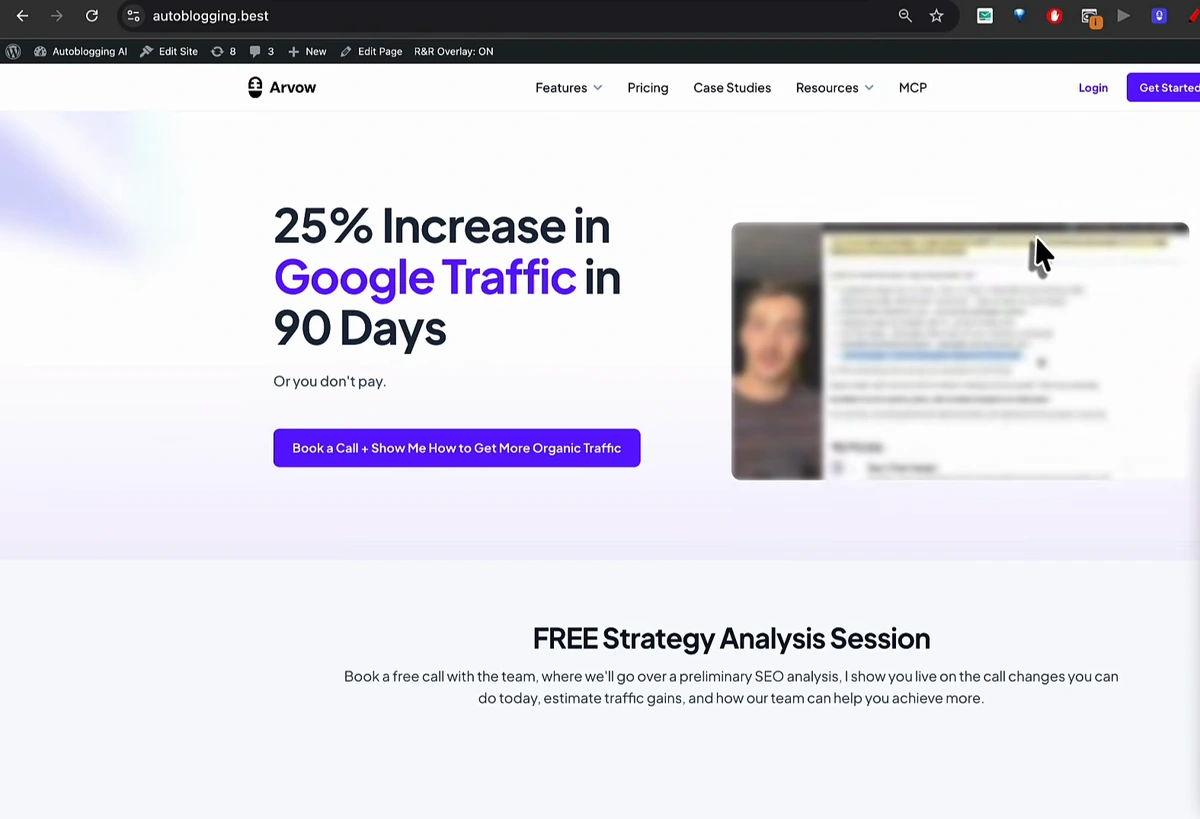
Most rank and rent content stops at plumbers and roofers. The demo domain is the counter-example: autoblogging.best was built to rank for "autoblogging AI" and related terms — a keyword searched by people actively looking for software that runs a blog on autopilot. Vasco's own point is that Arvow has that feature, so if the domain were pulling in that traffic, Arvow would gladly pay its owner to overlay the Arvow site on it; visitors searching for the software would land on a page where they can actually buy it. Any SaaS category with a commercial head term works the same way. The vertical does not matter; what matters is that the query has buyers and the tenant has something to sell them.
The SEO reality check you must plan for
The plugin's settings page carries an amber warning, and it deserves its own section: search engines generally do not attribute text inside a cross-origin iframe to your domain. Google indexes your WordPress page, not the tenant content framed inside it, so on overlaid URLs your on-page signals thin out. Everyone, including Googlebot, sees the same page — there is no cloaking — but a homepage that used to be 1,500 words of ranking content is now a frame.
The plugin's own documentation gives the answer: keep the content that earned your rankings on excluded paths, or accept the trade-off. In practice that means overlaying the homepage and the money pages a caller lands on, and leaving your blog, service-area pages and anything else doing the ranking work untouched. Keep publishing on those paths so the domain's authority keeps growing while the tenant gets the visitors — our guide to ranking #1 on Google Maps is the companion for the local pack, which the overlay does not touch at all.
How to get the plugin
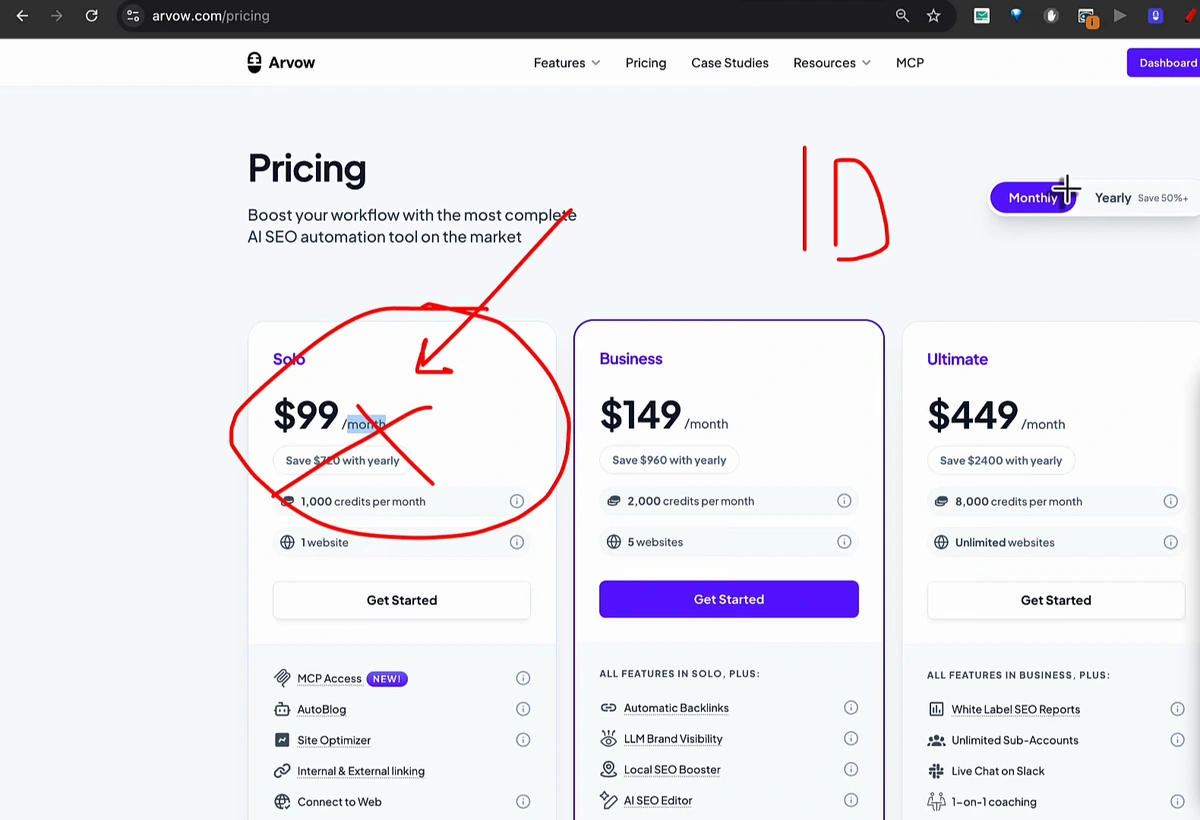
There is no download page for the plugin. In the video the route is arvow.com/pricing → the Solo plan on monthly billing. The video shows the former $99 monthly price; Solo now costs $69 a month ($39 a month on the yearly toggle). After subscribing, the plugin is sent to you by email and included with your account. Vasco says on camera that you can cancel after the first month and keep the plugin; treat it as a one-off purchase if that is all you want from the plan, although the plan itself also includes the AI article writer, site optimizer and internal linking tools that do the ranking side of rank and rent. If you already run WordPress sites on autopilot, the related free autoblogging plugin for WordPress is the other half of that workflow.
The second route was a giveaway: comment "rank and rent" on the video, and roughly ten days after its 17 September 2026 upload Vasco picks one commenter and sends the plugin free. By the time you read this that window may have closed, so check the video's pinned comment before relying on it.
Next steps
- Rank a domain for a query with commercial intent — local service or software — before you think about the plugin. The overlay rents a ranking; it does not create one.
- Install the plugin, paste a prospect's URL, run the test. If the site blocks framing, you know before the sales call, not during it.
- Decide which paths stay yours. Overlay the pages a buyer lands on; keep the ranking content on excluded paths.
- Turn on the call bar with your tracking number so the tenant sees exactly what they are paying for.
- Pitch with the overlay already live. "Search it and click the top result" closes faster than any deck.
The Rank & Rent Overlay plugin ships with Arvow's Solo plan, alongside the AI article writer and site optimizer that get the domain ranked in the first place. See plans and pricing, or start with the rank and rent SEO guide.

Generate, publish, syndicate and update articles automatically
The AI SEO Writer that Auto-Publishes to your Blog
- Cancel anytime
- Articles in 30 secs
- Plagiarism Free