
Google Business Profile posts, on autopilot
Turn what Arvow knows about your business into on-brand updates. Review every draft or publish directly to Google on your schedule.


-
Grounded in your business
-
Review or auto-publish
-
Daily to weekly schedules
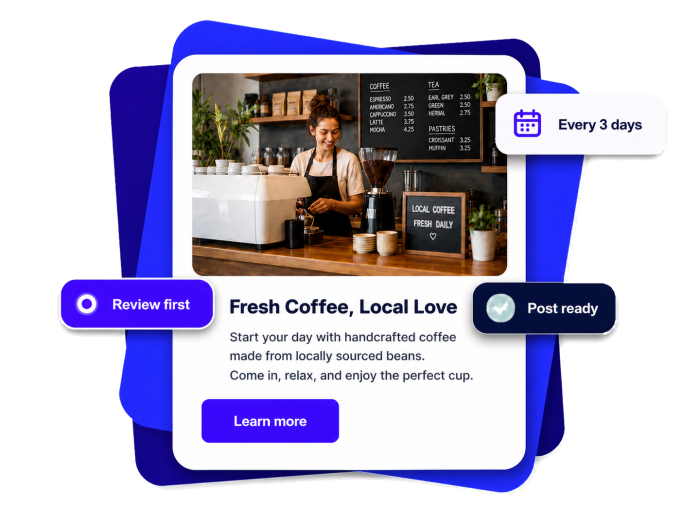
How the GBP Posting Automation Works
AI agents that automatically generate and publish posts to your Google Business Profile
Set it once. Keep your profile moving.
Connect your profile, shape the content, then choose how it publishes.
-
1Connect your profile
Connect Google once and choose the Business Profile location you want to post to.
-
2Shape each post
Choose what to highlight, how often to post, which customer action to show, and whether to add an AI image.
-
3Review or publish
Keep every generated update as a draft, or let Arvow publish it directly to Google.
Built from your business—not a blank prompt
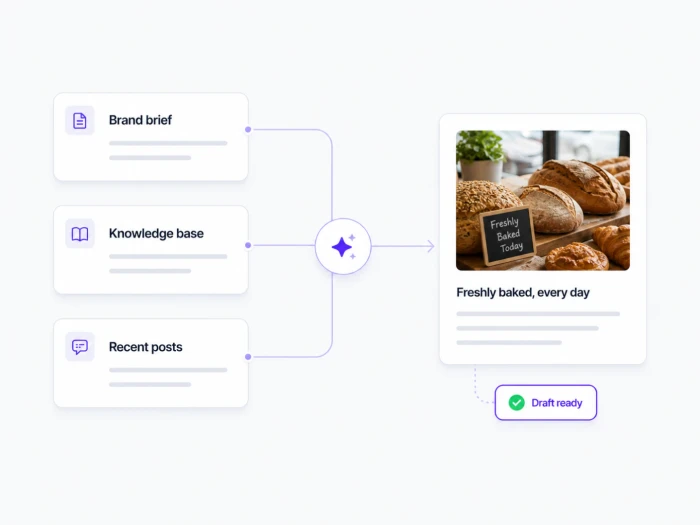
Arvow uses your Brand Brief and location details as its foundation, adds relevant Knowledge Base context, and checks recent posts to avoid repeating the same angle.
-
Your Brand Brief as the primary source
-
Knowledge Base details when they are useful
-
Recent post history to keep angles varied
Start hands-on. Automate when you’re ready.
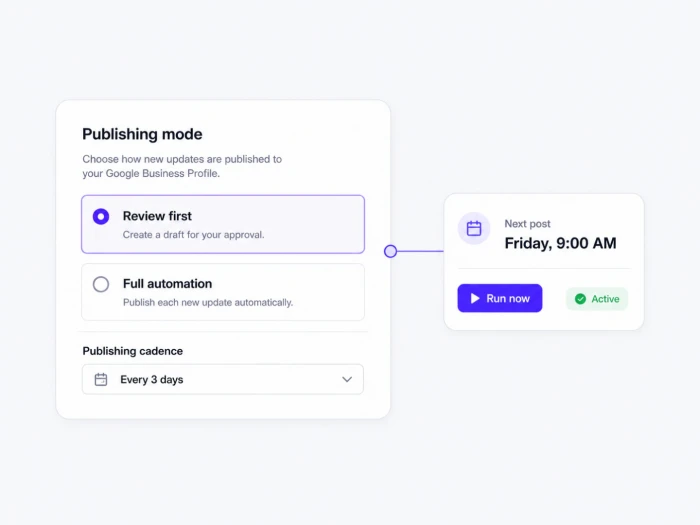
Use Review first to keep every generated update as a draft. Switch to Full automation when you want Arvow to publish on schedule. Pause, run once, or change the cadence whenever you need.
-
Review first keeps every generated post as a draft
-
Full automation publishes directly to Google
-
Run now without changing the recurring schedule
Add a visual and a clear next step
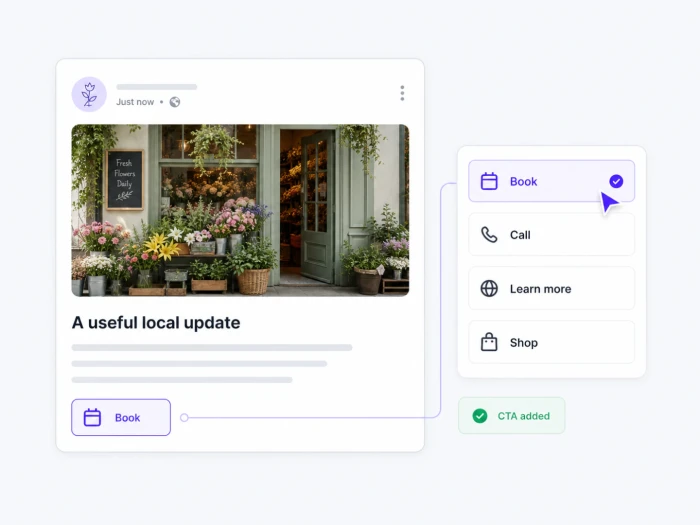
Generate an original AI image or keep the update text-only. Then add the action that fits: Book, Call, Shop, Order online, Sign up, or Learn more.
-
Six supported customer actions
-
Original AI-generated images—never stock
-
Events and Offers in the manual composer
One workspace for every post, schedule, and location
Set the rules, see what went live, and step in when something needs attention.
Choose your cadence
Create one update daily, every two days, every three days, or weekly.
Control publishing
Keep generated posts as drafts or send them directly to Google.
Add original images
Generate a new AI image for each automated update, or keep it text-only.
Add a customer action
Choose Book, Call, Shop, Order online, Sign up, or Learn more.
Set up each location
Give each available Business Profile location its own automation and settings.
See every status
Track drafts, live posts, run history, and anything that needs attention.
Questions about GBP post automation
-
Yes. Choose Review first and every generated post stays as a draft until you approve it. When you are ready, switch that automation to Full automation and new updates will publish directly to Google.
-
Arvow grounds each update in your location details and Brand Brief, then adds useful context from recent Knowledge Base sources. It checks recent GBP posts to avoid repeating the same angle, and you can add topics to prioritize or avoid.
-
Recurring automations create standard Update posts. The manual composer lets you create Events and Offers, add dates or redemption details, preview the post, and publish it from the same workspace.
-
Choose every day, every two days, every three days, or weekly. You can also run an extra post whenever you need one without changing the recurring schedule, and pause or resume the automation at any time.
-
Yes. Each automated update can include an original AI-generated image or remain text-only. You can also add Learn more, Book, Order online, Shop, Sign up, or Call now.
-
Yes. Create a separate automation for each available Business Profile location. Each automation keeps its own content guidance, cadence, customer action, image setting, and publishing mode.
Stop starting every Google post from scratch
Let Arvow turn your business context into drafts you can approve—or updates that publish on schedule.
-
Grounded in your business
-
Review first or auto-publish
-
Pause or run anytime