Google Review Automation
Auto-reply to every Google Business Profile review with on-brand AI. Multi-location ready, sentiment-aware, and built to lift your local search ranking — not get you flagged for spam.


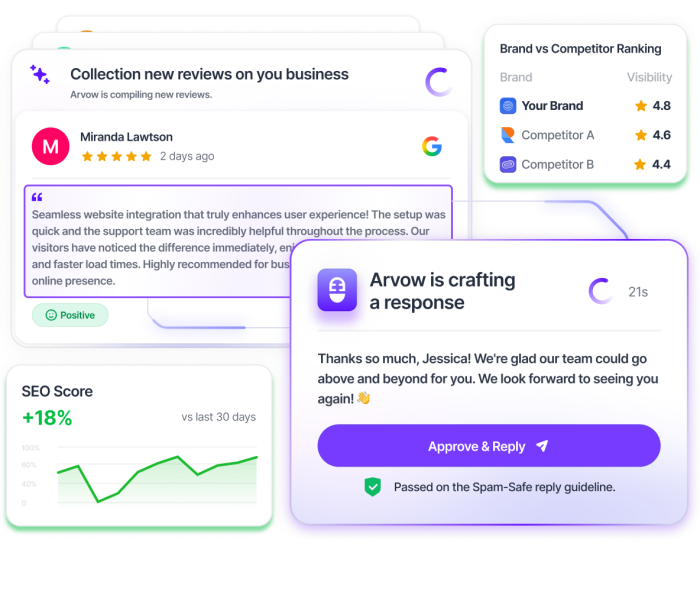
How the Review Automation Works
AI agents that automatically reply to your Google Business Profile reviews
-
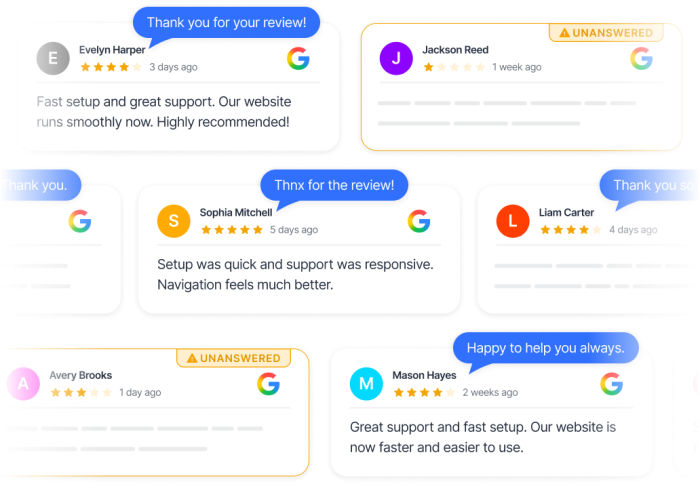
Hours per week copying templates, still missing reviews
-
Generic "Thanks for your review!" copy-paste that sounds robotic
-
Negative reviews left unanswered for days while damage compounds
-
No tone consistency across team members or locations
-
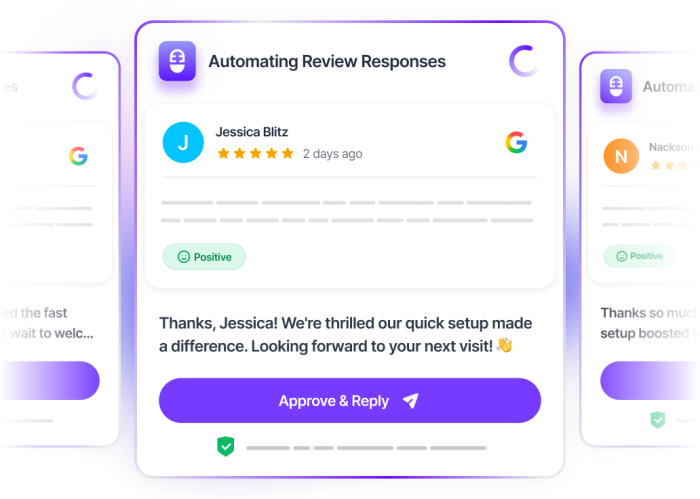
AI drafts a unique, on-brand reply for every review in seconds
-
Matches your brand voice — never generic, never templated
-
Negative reviews escalated to you instantly with empathetic drafts ready
-
Consistent on-brand tone across every location and every review
How Google Review Automation Works
Go from zero to fully automated review replies in under five minutes.
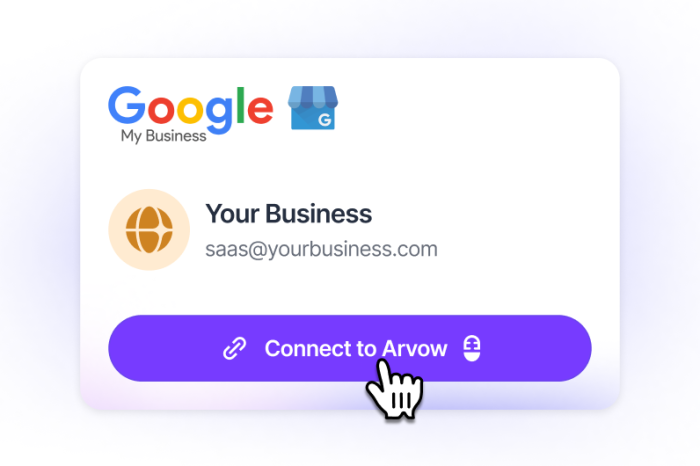
Connect Google Business Profile
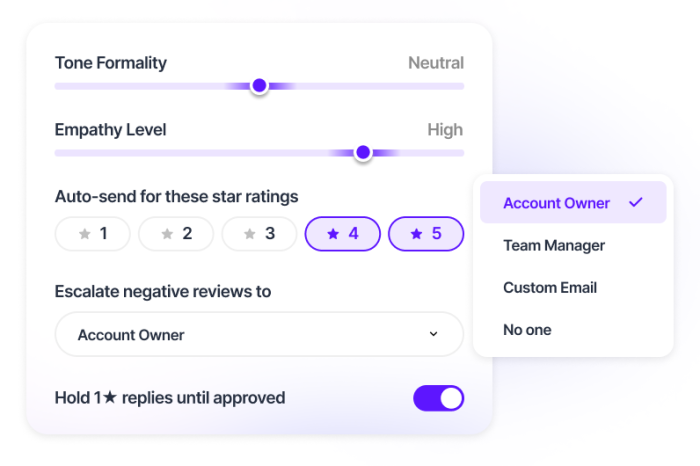
Set Tone & Escalation Rules
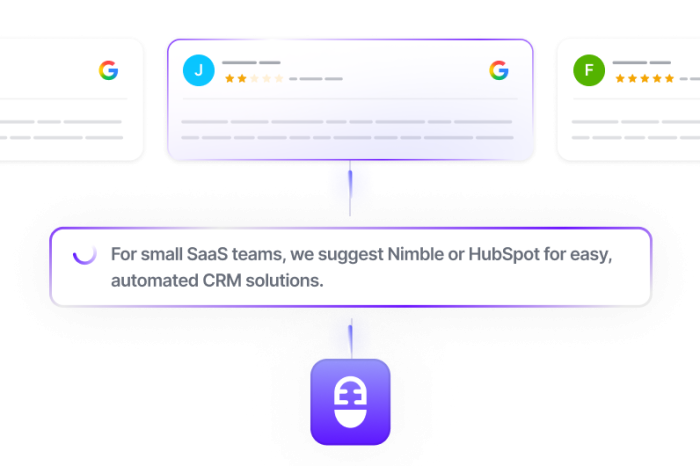
AI Replies to Every Review
AI Replies in Your Brand Voice — Not a Template
Most review-response tools generate the same five sentences for every business. Arvow learns your brand voice from your website, knowledge base, and past replies — then drafts a unique response that references what the customer actually said. Your replies sound like you on a good day, not a chatbot.
-
Trained on your existing brand content & past replies
-
Tone slider, length controls, and brand glossary you can edit anytime
-
Cites real details from each review so replies never feel boilerplate
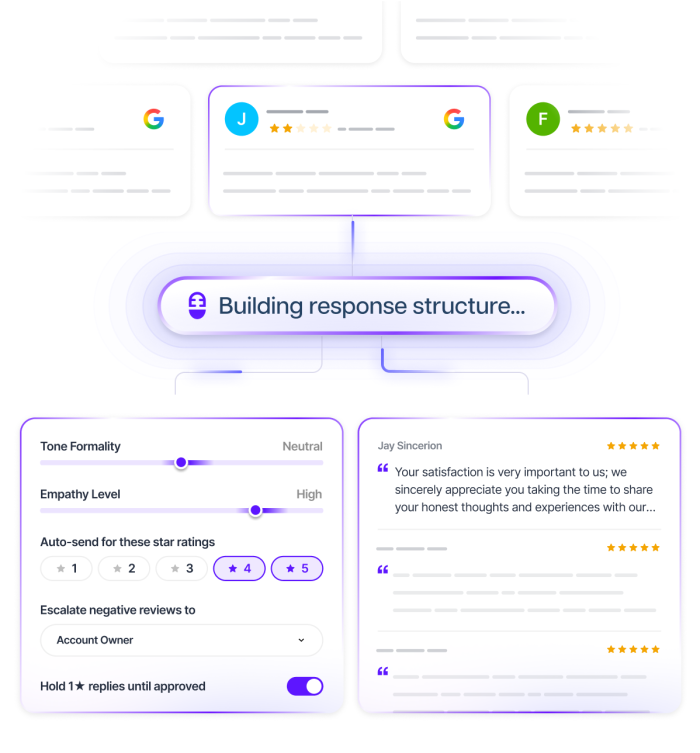
Smart Sentiment Routing
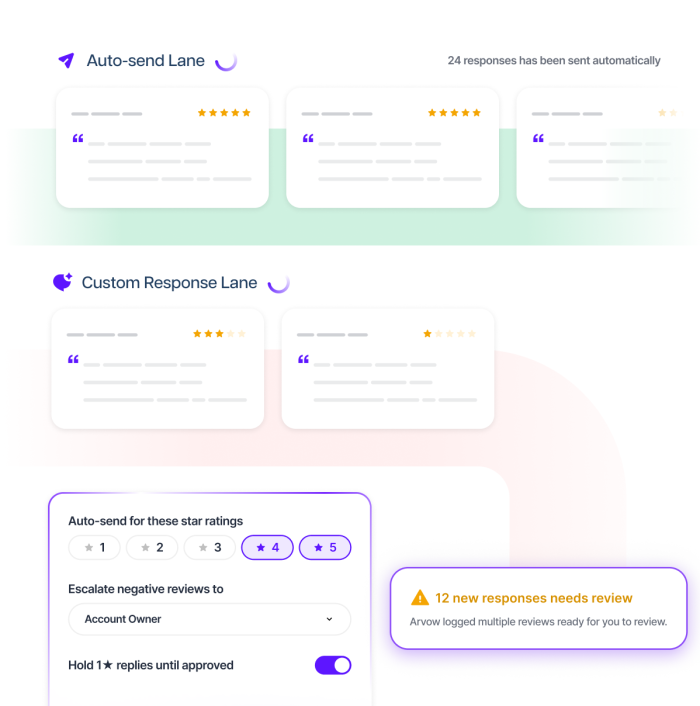
Not every review deserves the same treatment. Arvow reads each review, scores the sentiment, and routes accordingly: 5-star reviews get an instant on-brand thank-you, 1- and 2-star reviews get held for human approval with an empathetic draft and an in-app notification. You handle delicate moments — Arvow handles the volume.
-
Positive reviews (4–5★): instant, on-brand thank-you
-
Configurable approval threshold — auto-send only the stars you choose
-
Instant in-app notification the moment a negative review needs your attention
Built for Multi-Location Brands and Agencies
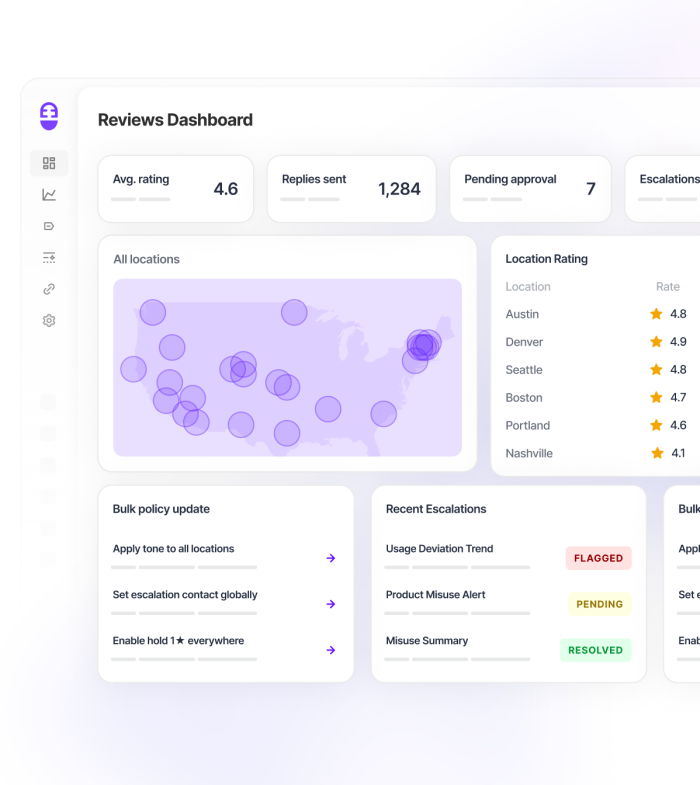
Whether you manage 3 locations or 300, Arvow handles all of them from one dashboard. Each location keeps its own brand voice, signature, escalation contact, and approval rules — perfect for franchise chains and SEO agencies serving multiple local clients. No per-location fees, no separate logins, no copy-paste.
-
One dashboard, every location — including bulk policy updates
-
Per-location tone, signature, escalation contact, and approval rules
-
No per-location surcharge — every location included on every plan
Everything You Need to Automate Google Review Replies
A complete AI review-response platform — included in every Arvow subscription. No add-ons, no per-reply fees, no per-location surcharges.
Always-On Auto-Reply
Arvow polls Google Business Profile around the clock and drafts a reply within minutes of every new review.
Tone of Voice Training
AI trained on your brand content, knowledge base, and past replies so every response sounds like you.
Sentiment-Aware Routing
Positive reviews auto-send. Negatives wait for your one-click approval with an empathetic draft ready.
Brand-Safe Guardrails
AI never promises refunds, names customers improperly, or argues — Google policy-compliant by design.
Multi-Location Dashboard
Manage every Google Business Profile location from one screen. Per-location rules, bulk updates, agency-ready.
Reply Analytics
Track reply rate, average sentiment, response time, and how reviews impact your local search ranking.
Google Review Automation FAQ
-
Arvow connects to your Google Business Profile in one click. From that moment, every new review is automatically detected, analyzed by AI for sentiment and context, and a reply is drafted in your brand voice. Positive reviews get an instant on-brand thank-you. Negative or ambiguous reviews are routed to you for approval before anything goes live, so you stay in control of sensitive situations. You can set tone, length, signature, and per-location rules from a single dashboard — no spreadsheets, no copy-paste, no missed reviews.
-
Yes — Google itself encourages business owners to respond to every review, and it does not prohibit AI-assisted replies as long as the content is genuine, accurate, and helpful (Google's Prohibited & Restricted Content policy targets spam, not AI). Arvow is built to stay on the safe side: replies are unique per review (never templated), match your brand tone, and never name customers in ways that could violate their privacy. Negative reviews are held for human approval by default so you can address the underlying issue rather than auto-respond to a complaint.
-
No. Arvow trains on your existing brand content — your website, knowledge base, and past replies — so every response matches your tone of voice, vocabulary, and style. The AI references specifics from each review (what the customer mentioned, how they phrased it, the star rating) so replies feel personal, not boilerplate. You can review sample drafts before going live, tune the tone slider (casual, professional, warm), and add brand phrases to always use or avoid. The goal is replies that read like they came from you on a good day — not a template.
-
Negative reviews are treated differently from positive ones. By default, any review at or below your configured threshold (typically 1–3 stars) is held for your manual approval, with a suggested empathetic draft you can edit, approve, or rewrite. You can also configure escalation rules — for example, route 1-star reviews to a specific team member, slow auto-replies during outages, or get an in-app notification the moment a negative review lands. The AI never argues, never makes promises on your behalf, and always invites the reviewer to follow up offline so you can resolve the issue privately.
-
Yes — Arvow is built for multi-location businesses and agencies. Connect every Google Business Profile location once and manage all of them from a single dashboard. Each location keeps its own brand voice, signature, escalation contact, and approval rules, so a hotel chain can sound different at each property and an agency can serve dozens of clients without bleed-over. Bulk-edit policies across locations when you need to (new offer, holiday hours, recall notice) and roll back instantly. There's no per-location surcharge — every location is included.
-
Arvow polls Google Business Profile continuously and drafts a reply within minutes of a new review being posted. Auto-approved replies (typically 4–5 stars matching your safety rules) go live immediately. Reviews requiring approval appear in your Arvow inbox so you can ship a reply the same day instead of weeks later. Industry data suggests 80% of negative reviews go unanswered — fast, on-brand responses signal that your business is attentive and improve customer perception (and your local search ranking).
Rank more clients. Do less work.
Get started and see why agencies trust Arvow.
-
Cancel anytime
-
Articles in 30 secs
-
Plagiarism Free