
WordPress Autoblogging Plugin: How to Set Up an AI Autoblog on WordPress (2026)

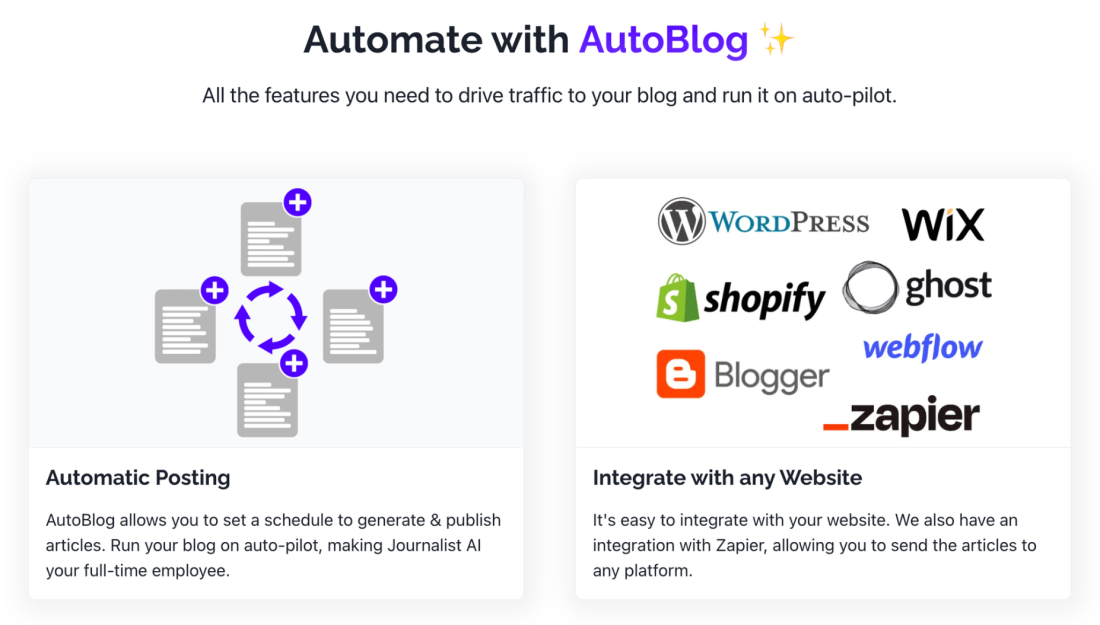
Table of Contents
Looking for a WordPress autoblogging plugin? This guide covers what autoblogging on WordPress is, what to look for in an autoblog plugin, and how to connect Arvow's AI autoblogger to WordPress so it researches, writes and publishes SEO articles to your blog on a schedule, in 150+ languages.
What is WordPress autoblogging?
Autoblogging is running a blog that generates and publishes posts automatically. On WordPress, that means an autoblogging plugin or integration that creates posts and publishes them to your WordPress site on a schedule, while you review them or let it run.
The video below shows how autoblogging on WordPress works with Arvow:
Autoblogging with WordPress: in-depth video tutorial
Understanding Autoblogging
Older autoblogging plugins sourced content from RSS feeds, social media or other websites and reposted it on your blog. AI autoblogging is different: the software researches a topic, writes an original article and publishes it to WordPress. With Arvow, the autoblog runs from a content feed you choose (a keyword list, an RSS feed, news events or YouTube videos) and generates the title, thumbnail, internal links and article body automatically.
Why Use an Autoblogging Plugin for WordPress?
Autoblogging can be particularly useful for website owners who want to keep their blog updated with the latest content without having to manually write or curate it all. It's also beneficial for those looking to create a niche news site, aggregate industry-specific information, or even populate a new website with content to get it started.
What to Look for in a WordPress Autoblogging Plugin
Check four things before you install anything. Does it write original articles or only republish feeds? Can you review each post before it goes live, or let it publish automatically? Does it publish natively to WordPress with the author, categories, tags and draft or publish status you want? And does it write in the languages your blog needs? Arvow covers all four: original AI articles, review or auto-publish per autoblog, native WordPress publishing and 150+ languages.
How to Connect Arvow to WordPress as Your Autoblogging Plugin
Create the WordPress integration in Arvow
In Arvow, open the Integrations tab, click New Integration, give it a name and enter your WordPress URL.Add your WordPress username and application password
In WordPress, go to Users, pick a user with the admin role and create an application password for it. Paste that username and application password into the integration in Arvow.Set how posts land in WordPress
Choose the author, whether articles are published or saved as drafts for review, the time gap between posts, and the categories and tags. Save the integration.Create the autoblog
In the Autoblogs tab, click Create New Autoblog, pick a preset and the integration you just made, set how many articles you want and start it. From then on, articles are written and published to your WordPress blog on that schedule.
Setting Up Your Autoblog
Once WordPress is connected, the setup is the content feed, the posting frequency and the language, plus whether articles publish straight away or wait as drafts for your review. Start in review mode if your niche needs it, read the first few articles, and switch to automatic publishing once you trust the output.
Maximizing the Potential of Autoblogging
To get the most out of a WordPress autoblogging plugin, combine it with some manual oversight. Periodically review the content being posted to ensure it aligns with your blog's goals and provides value to your readers. Additionally, consider enhancing autoblogged content with your commentary or insights to give it a personal touch.
Conclusion
A WordPress autoblogging plugin keeps your blog active with little manual effort. Choose a tool that writes original articles, publishes natively to WordPress and lets you review posts when you want to, then watch the first weeks of output and adjust the feed and frequency. If you want an AI autoblogger that connects to WordPress in a few clicks, start with Arvow's autoblog.
Generate, publish, syndicate and update articles automatically
The AI SEO Writer that Auto-Publishes to your Blog
- Cancel anytime
- Articles in 30 secs
- Plagiarism Free