
How Arvow's Automatic Backlinks Work: Plans, Limits and What a Placement Looks Like (2026)

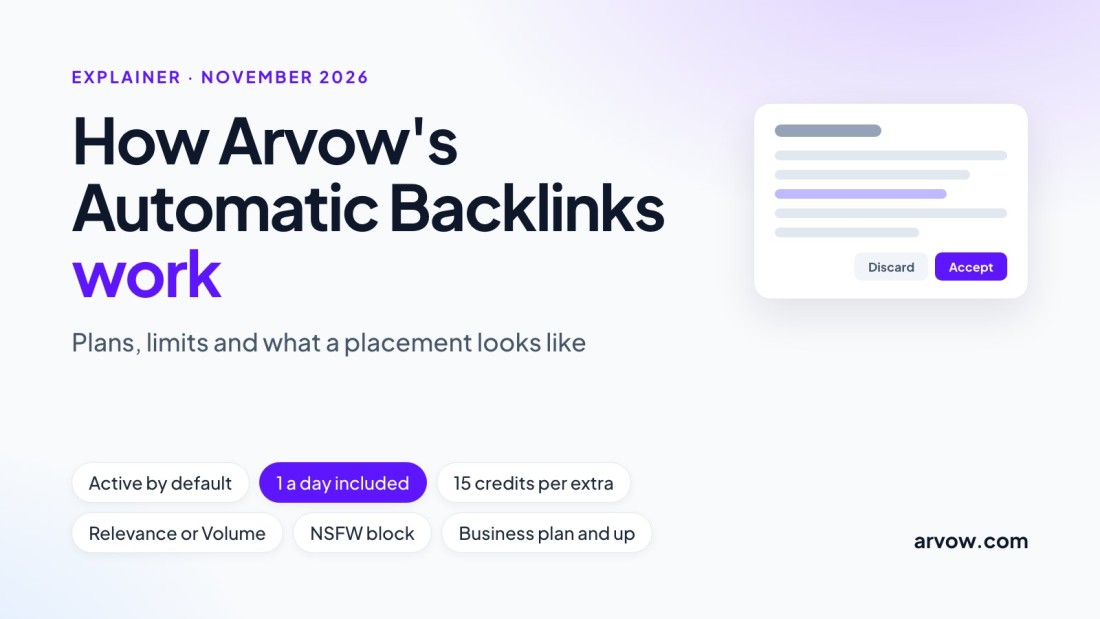
Arvow's Automatic Backlinks is the feature behind Arvow's backlink exchange: your site joins a network of other Arvow users' blogs, and links to your pages are placed inside the articles they publish. This page explains what the feature does, what each plan includes, what the settings control, and what a placement looks like when it arrives. Every product fact comes from the Automatic Backlinks help article, the credits article, the API reference and the pricing page, as read on November 10, 2026.
The short answer
One verified backlink a day is included per account, shared across all of your projects. Each extra verified backlink costs 15 credits, and you set a daily cap per project. The feature is on by default once a project exists, and the pricing page lists it from the Business plan. You choose Relevance (fewer links, closer topics) or Volume (as many as possible), and you can block links from adult or gambling articles. Links arrive over time as other members publish related articles; the app lists each one with its source article, the page it points to, the anchor and a cached Domain Rating.

How Arvow's Automatic Backlinks work, step by step
- You create a project. Add your website, generate the brand brief, and set the country and language. According to the help article, the site joins the backlink pool at that moment and the feature is active. Nothing else is required to start receiving links.
- Other members publish. When another Arvow user publishes an article related to your topic, a link to your site is placed inside that article. The help article describes the placements as happening "automatically over time as other users in the network publish articles that link to your site".
- The included link is counted per account. One backlink a day is included for the whole account, not for each project. With five projects you still receive one included link a day, applied to one of them.
- Extra links come from your credits. To receive more than one a day, raise the daily cap on a project. Each additional verified backlink costs 15 credits; a project capped at three a day can spend 45 credits a day.
- You can check and adjust at any time. Open the project, click Automatic Backlinks, and the feature shows as Active. The Settings tab holds the cap and the receiving preferences.
Joining is a matter of creating a project. The help article lists no requirement to write or publish your own articles with Arvow before links start arriving, and it does not describe what your own articles do for other members, so this page does not either.
The settings and what each one does
| Setting | Where | What it does |
|---|---|---|
| Project maximum backlinks per day | Settings tab of Automatic Backlinks | Caps how many backlinks a project can receive in a day. One a day is included per account; every verified link above that costs 15 credits. |
| Receiving preference: Relevance | Same tab | Fewer backlinks, each from an article closely related to your website's topic. |
| Receiving preference: Volume | Same tab | As many backlinks as possible across eligible articles, including less closely related ones. |
| Receiving preference: Off | Same tab | The project stops receiving automatic backlinks from the network. |
| Block NSFW backlinks | Same tab, toggle | Stops links from articles classified as not safe for work, such as adult or gambling content. |
What you get on each plan
Prices and credits are from the pricing page. The yearly price is what the page shows by default; the monthly price is in brackets. The last column is the number of extra verified backlinks a month's credits would buy at 15 credits each if you spent them on nothing else, which nobody does, because the same credits pay for articles, images and the other features.
| Plan | Price | Credits a month | Automatic Backlinks | Extra links the credits could buy |
|---|---|---|---|---|
| Solo | $39 a month billed yearly ($69 monthly) | 1,000 | Not listed on this plan | Not applicable |
| Business | $69 a month billed yearly ($169 monthly) | 3,000 | Included: one a day, plus extras at 15 credits each | 200 (3,000 / 15) |
| Ultimate | $249 a month billed yearly ($449 monthly) | 9,000 | Included: one a day, plus extras at 15 credits each | 600 (9,000 / 15) |
Two credit rules from the credits article matter here. Monthly credits expire at the end of each month and are spent first; pay-as-you-go credits bought on top never expire and are used only after the monthly ones are gone. The chart below turns the daily cap into a monthly figure.

| Daily cap | Extra links a day | Backlinks in 30 days (at most) | Credits in 30 days (at most) |
|---|---|---|---|
| 1 | 0 | 30 | 0 |
| 2 | 1 | 60 | 450 |
| 3 | 2 | 90 | 900 |
| 5 | 4 | 150 | 1,800 |
| 10 | 9 | 300 | 4,050 |
What a placement looks like
Each link the network places for you appears in the Backlinks tab of the project. The API reference describes the same record, so this is the exact shape of a placement:
- Source article: the URL of the article that contains the link, its title, and its domain.
- Your page: the page on your project that received the link.
- Anchor text: the words that carry the link, when stored.
- Domain Rating: a cached Ahrefs Domain Rating for the source domain, on the 0 to 100 scale, empty until a rating has been cached.
- Date: when the placement was completed, the finishedAt field of the record.
There are three ways to read the list. In the app, open the project and click Automatic Backlinks; the screen shows the totals (backlinks received, unique sources, pages linked) above the table. Through the API, call GET /api/v0.1/projects/{projectId}/backlinks, which returns the links newest first, up to 100 a page, with a cursor for the next page. Through Arvow's MCP server, the same call is the projectBacklinksList tool, so ChatGPT, Claude or Claude Code can answer "which backlinks did we gain this month, with their Domain Rating" from a sentence. A separate tool, seoBacklinksOverview, returns backlink totals and top referring domains for any domain for 3 credits; the backlink API guide covers both endpoints.
Niches, exclusions and quality
The help article documents one content control: the Block NSFW toggle, which stops your site from receiving links from articles classified as not safe for work, with adult and gambling content as the examples. It does not list niches that cannot join the network, and it does not describe any vetting of member sites by Domain Rating or traffic. The only lever you have over where links come from is the Relevance setting, which limits placements to articles closely related to your topic. If you need to know whether a particular site type can join, ask support before you upgrade; this page will not guess.
How this differs from ordered backlinks
Arvow also sells a separate, manual service on its build-backlinks page. That page states its own terms, and they are different in kind: placements on domains the page describes as DR 40 and above with at least 1,000 organic visits a month, pitched by people to site owners, placed as niche edits inside existing ranking pages, reported in a Google Sheet with the live URL, DR, traffic, anchor and a screenshot, permanent and replaced at no extra cost if removed, with delivery from 14 days and the option to review each placement before it goes live. Automatic Backlinks is the opposite trade: no outreach, no per-link price, placements inside other members' new articles, one a day included and extras paid in credits.
| Automatic Backlinks | Ordered backlinks | |
|---|---|---|
| Where the link lives | A new article another Arvow member publishes | An existing, ranking page on a third-party site, as the service page states |
| Who places it | The network, automatically | Arvow's team, by manual outreach |
| What you pay | One a day included on Business and Ultimate; 15 credits per extra | A per-order price on the service page |
| Your controls | Daily cap, Relevance or Volume, NSFW block, off | Review each placement before it goes live; custom anchor text |
| Timing | As members publish; a cap is a ceiling | Delivery from 14 days, per the service page |
Is this for you?
A new site with no links
Yes. Create the project and the feature is active; one link a day is included on Business and Ultimate, and Relevance keeps the first links on topic.
An agency with several client sites
Partly. The included link is one a day for the whole account, so client sites beyond the first get links only through the per-project cap and credits.
A site in an adult or gambling niche
Not documented. The help article covers blocking links from such articles, not whether such sites can join. Ask support first.
A site that wants links but no Arvow articles
The help article lists no article requirement; joining is creating a project. Credits for extra links still come from a Business or Ultimate plan.
Vasco's take: the contained way to get links built for you
Vasco Monteiro, who runs Arvow, showed the Automatic Backlinks screen in his dashboard in a video on his channel, Vasco's SEO Tips, in September 2026, while comparing it with letting an AI bot build links on its own:
"You can also set up settings, so if you want more relevancy, more volume, how many backlinks you want per day ... You can use this feature, automatic backlinks. It's a bit more contained."
FAQ
How many backlinks does Arvow give per day?
One verified backlink a day is included per account, shared across your projects. Above that, each verified backlink costs 15 credits, up to the daily cap you set on each project.
Do I have to write my articles with Arvow to get backlinks?
The help article makes joining a matter of creating a project: add the website, generate the brand brief, set the country and language. It lists no requirement to publish articles with Arvow first.
Does Arvow accept my niche?
The help center does not publish a list of accepted or excluded niches. The documented control is the Block NSFW toggle, which stops you receiving links from adult or gambling articles. For your own site's eligibility, ask support.
Can I turn the links off?
Yes. In the Settings tab of Automatic Backlinks, set the receiving preference to Off and save. The project then stops receiving links from the network.
Which plan do I need?
The pricing page lists Automatic Backlinks from the Business plan, $69 a month billed yearly or $169 billed monthly, with 3,000 credits. Ultimate, $249 billed yearly or $449 monthly, has 9,000 credits. Solo does not list the feature.
Is this the same as the automatic backlink software other vendors sell?
No. Most of those tools automate outreach or generate low-value links. Arvow places the link for you inside another member's article. Our comparison of automatic backlink software puts the approaches side by side.
Automatic Backlinks is part of the Business and Ultimate plans. See the feature page, or compare the plans.
Generate, publish, syndicate and update articles automatically
The AI SEO Writer that Auto-Publishes to your Blog
- Cancel anytime
- Articles in 30 secs
- Plagiarism Free