
How to Track Brand Mentions in ChatGPT (2026): Manual Checks vs a ChatGPT Brand Tracker

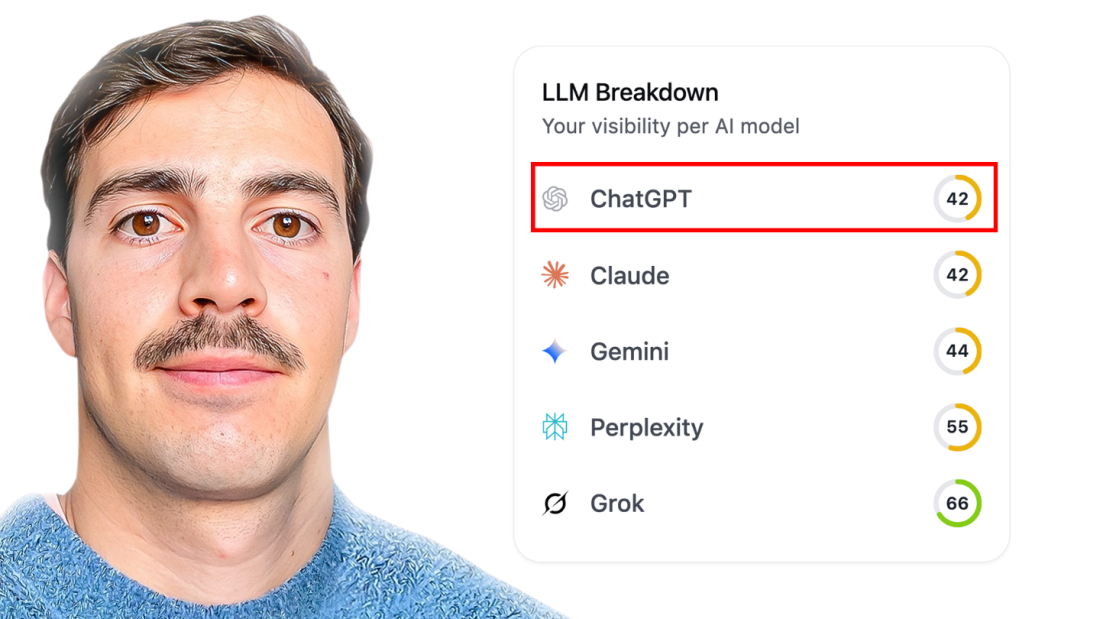
Table of Contents
People ask ChatGPT which tools to buy, which agencies to shortlist and whether a brand is legit. If you do not know whether ChatGPT mentions your brand in those answers, how it describes you and which competitors it names instead, you are blind to a discovery channel that never shows up in Google Search Console. This guide explains what to measure, the two ways to track brand mentions in ChatGPT (manual checks or a ChatGPT brand tracker) and how to set up ongoing monitoring in Arvow's LLM brand mention tracker.
What to measure when monitoring ChatGPT brand mentions
A single mention is not a metric. Tracking ChatGPT mentions only becomes useful when you record the same things for every prompt, every time:
Mention rate: how often ChatGPT names your brand for a given prompt across repeated runs
Mentions vs citations: a mention is your brand named in the answer; a citation is a link to your site as a source. Track both.
Sentiment: whether the mention is positive, neutral or negative, and what ChatGPT says is wrong with you
Prompts that trigger it: which questions produce a mention and which produce silence
Competitor share: which brands ChatGPT recommends instead of you for the same prompts
Two ways to track ChatGPT mentions: manual checks or a tracker
Manual checks in ChatGPT
The free method is to write a list of prompts, run each one in ChatGPT and log in a spreadsheet whether your brand appears, where it appears and in what tone. It works for a first look. It breaks down as a monitoring method because ChatGPT can answer the same prompt differently from one run to the next, so one check is a sample rather than a measurement, and because the log only has history if someone repeats the whole list on a schedule.
A ChatGPT brand tracker
A ChatGPT brand tracker runs your prompt list for you on a schedule, stores every answer and shows the trend: mention rate, sentiment and competitors over time. Arvow's tracker does this for ChatGPT, Perplexity, Claude, Grok and DeepSeek, shows which prompts trigger a mention and how you compare with competitors. If you only want a quick check first, the free LLM brand mention tracker lets you check if your site shows up in LLMs by tracking prompts.
How to track ChatGPT brand mentions in Arvow, step by step
The setup takes a few minutes. Here is the fastest way to do it.
1) Create an LLM Brand Monitor
Log into Arvow
Go to Analytics & Reports → LLM Brand Monitors
Click Create new monitor
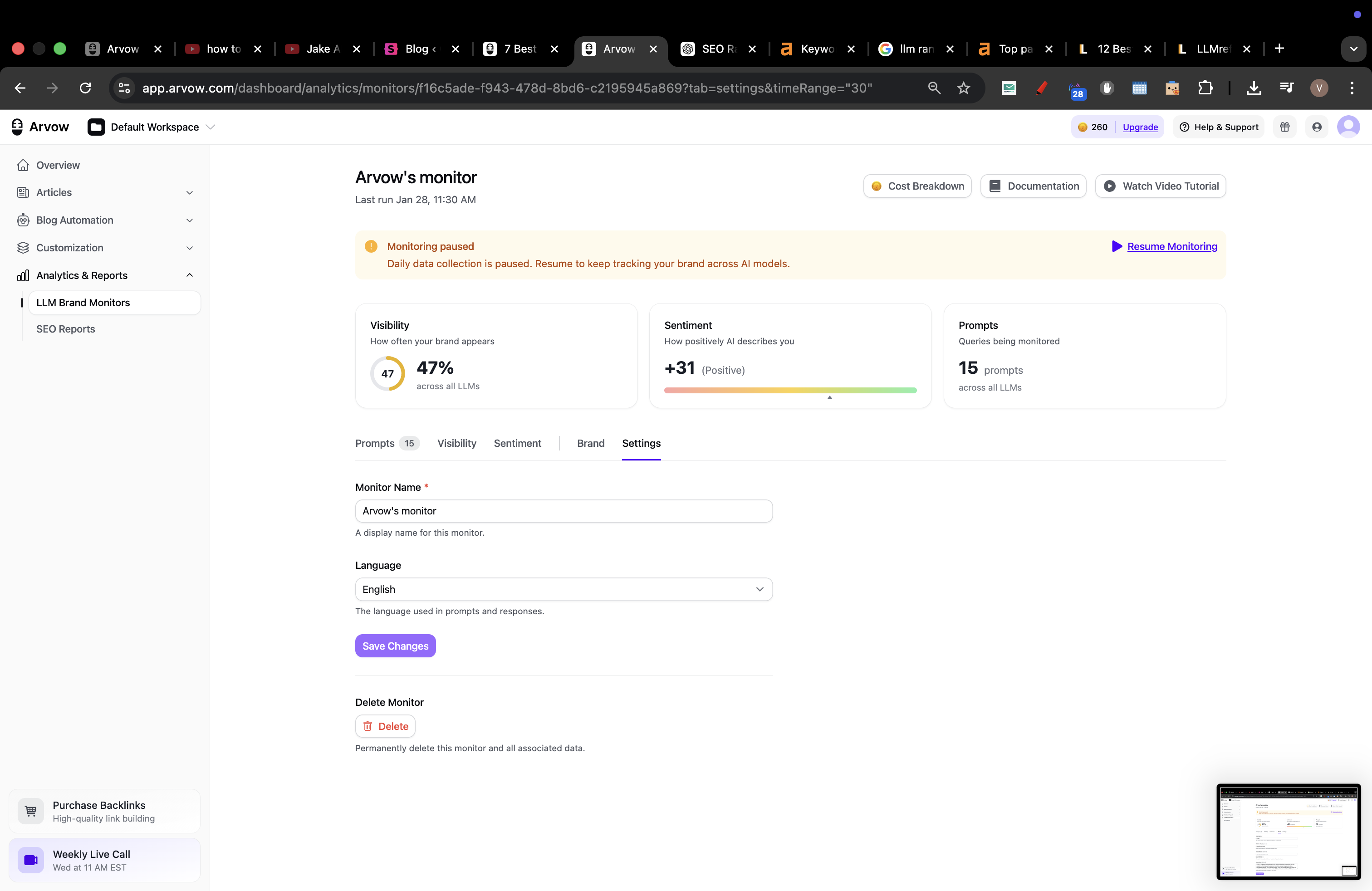
2) Add your brand details
Brand name (exact name you want tracked)
Website URL (optional but recommended)
Brand aliases (optional): rebrands, abbreviations, common misspellings
This helps Arvow recognize mentions even when ChatGPT uses a slightly different name.
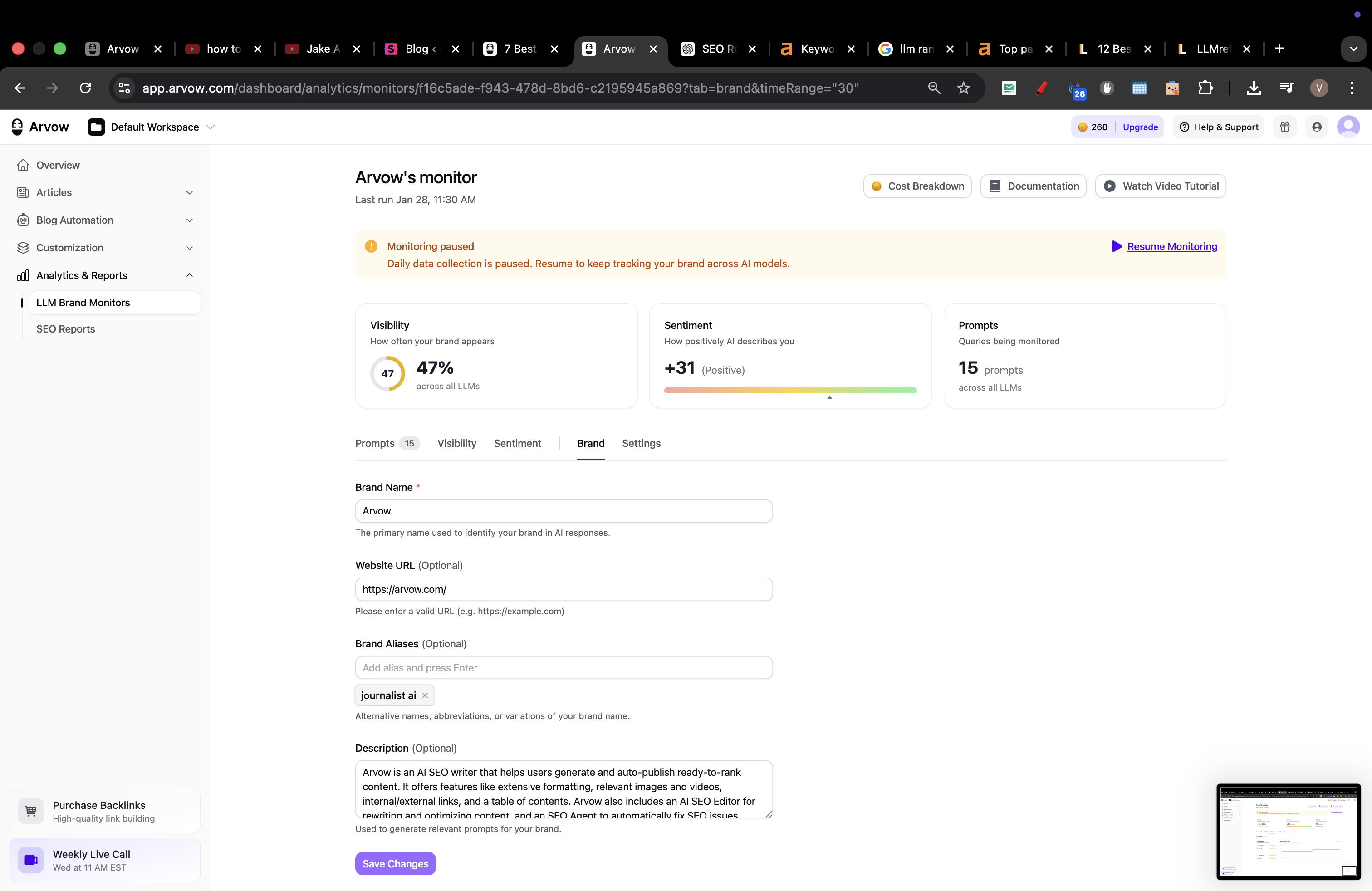
3) Add prompts that cause brand mentions
You need two prompt types:
A) Brand prompts (reputation + sentiment tracking)
These include your brand name:
“What is [Brand]?”
“Is [Brand] legit?”
“Pros and cons of [Brand]”
“Is [Brand] worth it?”
B) Discovery prompts (the money prompts)
These do not include your brand name:
“best [category] software”
“best [category] tool for agencies”
“alternatives to [competitor]”
“[competitor] vs [competitor]”
This is how you track whether ChatGPT recommends you without being prompted with your name.
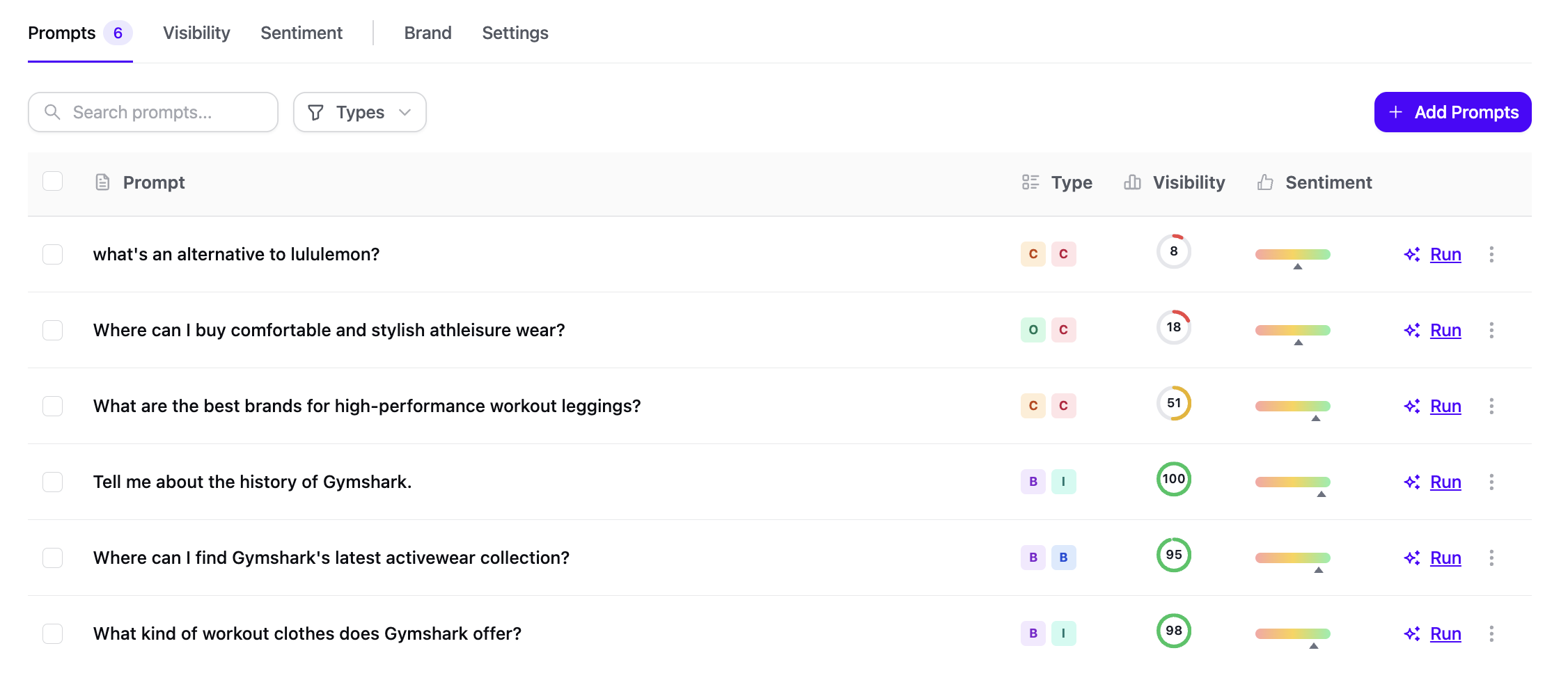
4) Run the monitor (once or ongoing)
Click Run / Create monitor
Keep it running for ongoing tracking, or pause if you only want a snapshot.
5) Read the results (what to look at)
In your monitor dashboard:
Visibility: how often ChatGPT mentions your brand for each prompt
Sentiment: whether the mention is positive / neutral / negative
Prompt drill-down: click a prompt to see the actual ChatGPT response and where your brand appears
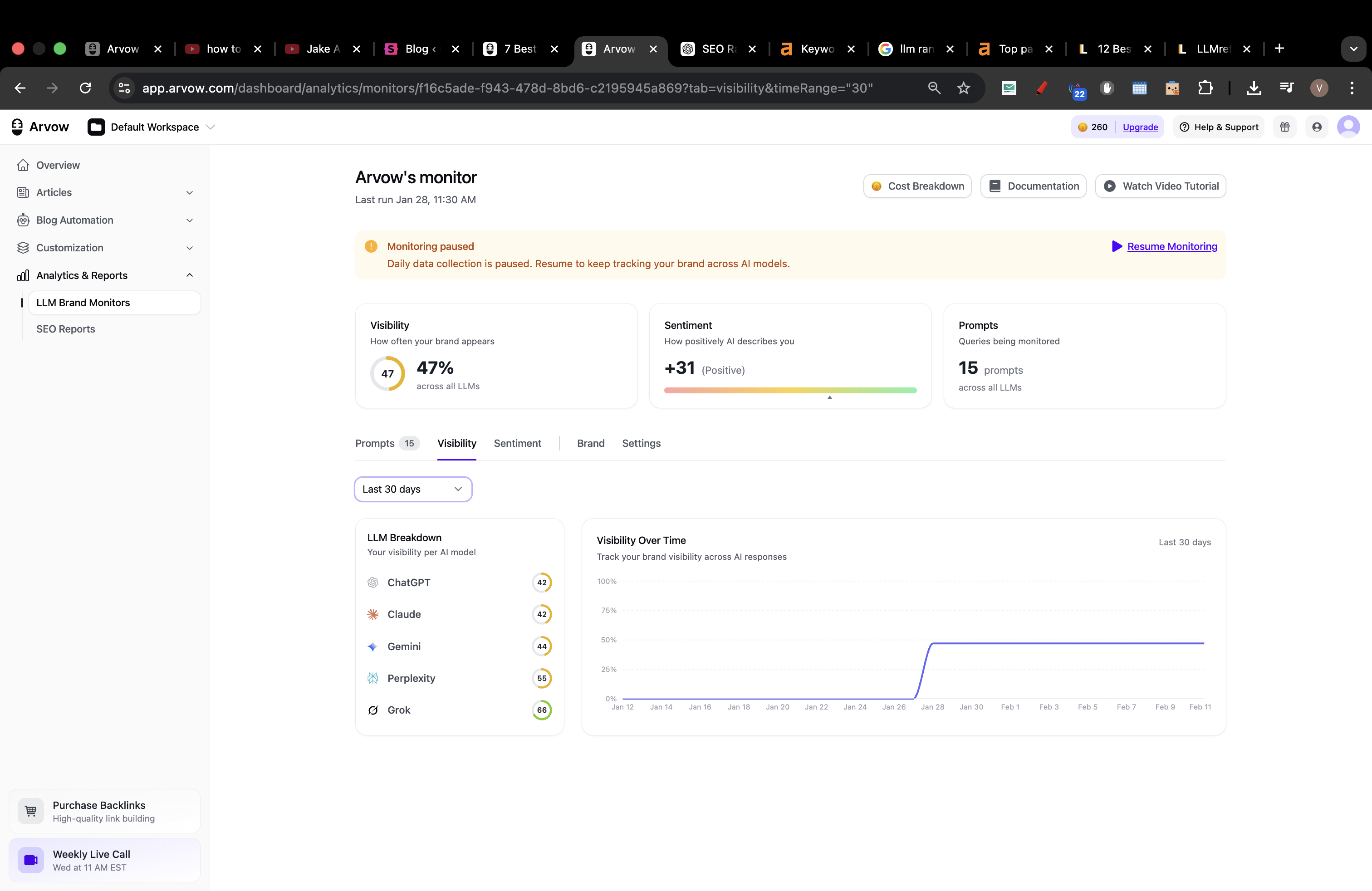
6) What to do with the data
If visibility is low on discovery prompts, publish alternatives and comparison pages and tighten your homepage positioning.
If sentiment is negative, fix the issue, add proof (case studies, reviews), publish trust pages, then re-run the prompts to see whether sentiment improves.
Arvow gives you a repeatable way to track ChatGPT brand mentions and sentiment over time, and to show whether your SEO, PR and content work is improving your AI visibility.
FAQ: tracking brand mentions in ChatGPT
Can you track brand mentions in ChatGPT for free?
Yes, in two ways. You can run your prompts manually in ChatGPT and log the results yourself, or use Arvow's free LLM brand mention tracker to check if your site shows up in LLMs by tracking prompts. The paid tracker adds scheduled runs, history, sentiment and competitor comparison.
Which prompts should a ChatGPT brand tracker monitor?
Two types. Brand prompts include your name ("Is [Brand] legit?") and tell you about reputation and sentiment. Discovery prompts do not include your name ("best [category] software for agencies") and tell you whether ChatGPT recommends you unprompted. The discovery prompts are where new customers come from.
Does tracking ChatGPT mentions replace Google rank tracking?
No. ChatGPT, Perplexity and Google AI Overviews are additional surfaces where buyers find brands. Keep tracking Google positions and add AI visibility next to them; Arvow's AI visibility tracker covers ChatGPT, Perplexity, Gemini, Claude and Google AI Overviews in one dashboard.
Generate, publish, syndicate and update articles automatically
The AI SEO Writer that Auto-Publishes to your Blog
- Cancel anytime
- Articles in 30 secs
- Plagiarism Free