
11 Best SEO Toolbar Extensions for Chrome & Firefox (2026)

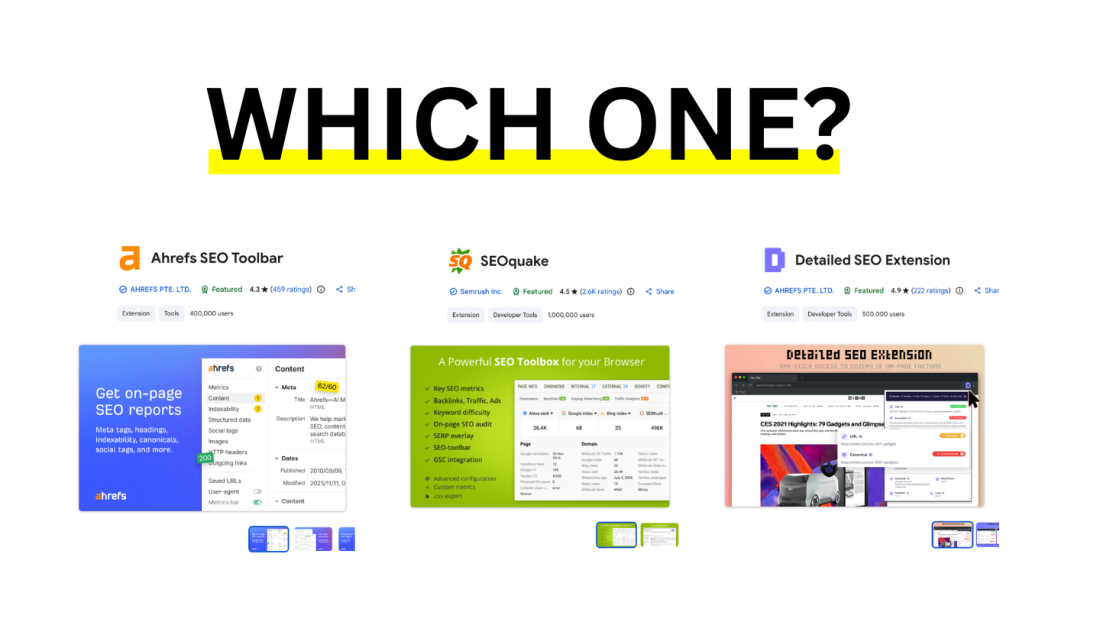
Table of Contents
If you do quick audits, competitor checks, or content QA, a good seo toolbar saves hours.
And yes - people spell it a bunch of ways: seo toolbar, “SEO bar”, “SEO toolbar chrome”, “seo toolbar firefox”, etc. This guide covers all of it, including the weird legacy query: seo toolbar for internet explorer.
Most SEO toolbars today are built for Chrome (by Google) and Firefox (by Mozilla). Internet Explorer is a different story (we’ll cover it).
 Quick Picks for SEO Toolbars (if you just want "the best")
Best all-around SEO toolbar: Ahrefs SEO Toolbar
Best for beginners: Arvow - AI SEO Inspector Extension
Best on-page inspector (fast + clean): Detailed SEO Extension
Best free SEO toolbar for quick metrics: MozBar (free tier)
Best “Swiss-army knife” SEO toolbar: SEOquake
Best technical SEO add-ons: Redirect Path + View Rendered Source
Best keyword overlays in SERPs: Keywords Everywhere (paid credits) or Keyword Surfer (free)
Bonus (not a toolbar): if you care about rankings/mentions inside LLMs (ChatGPT, AI Overviews, Perplexity, etc.), track prompts and brand mentions with Arvow — toolbars don’t cover that.
What an SEO toolbar should do (the checklist)
A “best seo toolbar” isn’t the one with the most numbers—it’s the one that helps you decide faster.
Use this checklist to choose:
On-page essentials: title/H1s, meta robots, canonical, hreflang, schema, internal/external links
Link signals: referring domains/backlinks (even if limited), broken links, outgoing link type (nofollow/sponsored/ugc)
SERP workflow: overlays in Google results, quick export, “open in new tab” convenience
Technical helpers: redirect chain, HTTP headers, rendered vs raw HTML
Speed: loads instantly, doesn’t lag your browser
Trust: good reputation + actively maintained (extensions can “see” a lot)
Comparing The best SEO toolbars in one place
We recorded a video testing every SEO toolbar on the market, watch the video review below:
Below is a table comparing them all too:
Extension | Best for | Works on | Why it’s worth installing |
|---|---|---|---|
Ahrefs SEO Toolbar | All-around research | Chrome, Firefox (and often Safari) | Strong on-page report + SERP workflow |
MozBar | Quick authority metrics | Chrome, Firefox | DA/PA-style metrics + easy SERP mode |
SEOquake | Power user audits | Chrome, Firefox | Big toolbox: audits, exports, link counts |
Detailed SEO Extension | On-page inspection | Chrome (and now also Firefox) | Clean UI for titles/meta/canonicals/schema |
SEO Meta in 1 Click | Meta + headings | Chrome | Fast “what’s on this page?” overview |
SEO Minion | Daily SEO tasks | Chrome | SERP preview, link checks, hreflang helpers |
Redirect Path | Redirects + headers | Chrome | Finds 301/302/404/500 + shows headers |
View Rendered Source | JS rendering checks | Chrome | Compare raw HTML vs rendered DOM |
Keywords Everywhere | Keyword overlays | Chrome, Firefox | Volume/CPC + related queries (credit model) |
Keyword Surfer | Free SERP overlays | Chrome (often Firefox too) | Quick volumes + on-page suggestions |
Similarweb Extension | Traffic context | Chrome | Fast “is this site even real?” validation |
Best SEO toolbar for Chrome
If your main query is seo toolbar for chrome, start with this stack:
Ahrefs SEO Toolbar (your main “seo toolbar chrome”)
Detailed SEO Extension (fast on-page checks)
Redirect Path (technical audits and migrations)
Optional: Keywords Everywhere or Keyword Surfer (keyword overlays)
Setup tip (Chrome)
Pin only 2–3 extensions to your bar. Too many “SEO bars” slow you down and clutter your workflow.
SEO toolbars Firefox (and the best seo toolbar firefox combo)
Searching for seo toolbars firefox usually means you want the same power, but in Firefox.
Recommended Firefox combo:
Ahrefs SEO Toolbar (core research)
MozBar (quick authority/metrics style checks)
SEOquake (exports + audits when you need depth)
If you’re doing privacy-sensitive work, Firefox can be a great “audit browser” where you keep fewer logins and less personalization.
SEO ranking toolbar: what it is (and when it lies to you)
A seo ranking toolbar is an extension that tries to show where a domain ranks for a keyword while you’re on the SERP.
They can be useful for quick checks, but they’re often misleading because of:
personalization (history/logins)
location differences
device differences
A/B SERP tests
language/region settings
If you still want an “SEO ranking toolbar”
Use it as a directional signal, not the source of truth. For anything important (client reporting, revenue keywords), use a dedicated rank tracker.
Pro move: do quick checks in an incognito window + fixed location settings, then confirm with a proper tracker.
“Web Rank Toolbar”: what people usually mean
If you searched web rank toolbar, you’re probably looking for an old-school toolbar that shows “rank”, backlinks, indexed pages, and simple metrics at a glance.
The reality: many legacy “rank toolbar” add-ons are outdated or unmaintained.
Better modern replacements
For quick authority-style metrics: MozBar
For an all-around SEO toolbar: Ahrefs SEO Toolbar
For audits/exports: SEOquake
For traffic sanity checks: Similarweb Extension
SEO toolbar for Internet Explorer: does it exist?
If you’re searching seo toolbar for internet explorer, you’re likely in one of these situations:
You’re on a locked-down corporate machine
You’re maintaining a legacy internal tool
You saw an old tutorial that still mentions IE
The practical answer
Modern SEO toolbar extensions are built for modern extension systems (Chrome/Firefox). Internet Explorer isn’t the ecosystem for that anymore.
What to do instead (best options)
Use Microsoft Edge with IE Mode (for legacy sites) and do SEO work in Edge/Chrome/Firefox
If you must browse in IE for a legacy app: do your SEO checks in a second browser side-by-side (Chrome/Firefox)
That’s the only realistic way to get “SEO toolbar” functionality in 2026 without compromising security and tooling.
Deep Dive: “Ahrefs seo toolbar chrome” (how to use it like a pro)
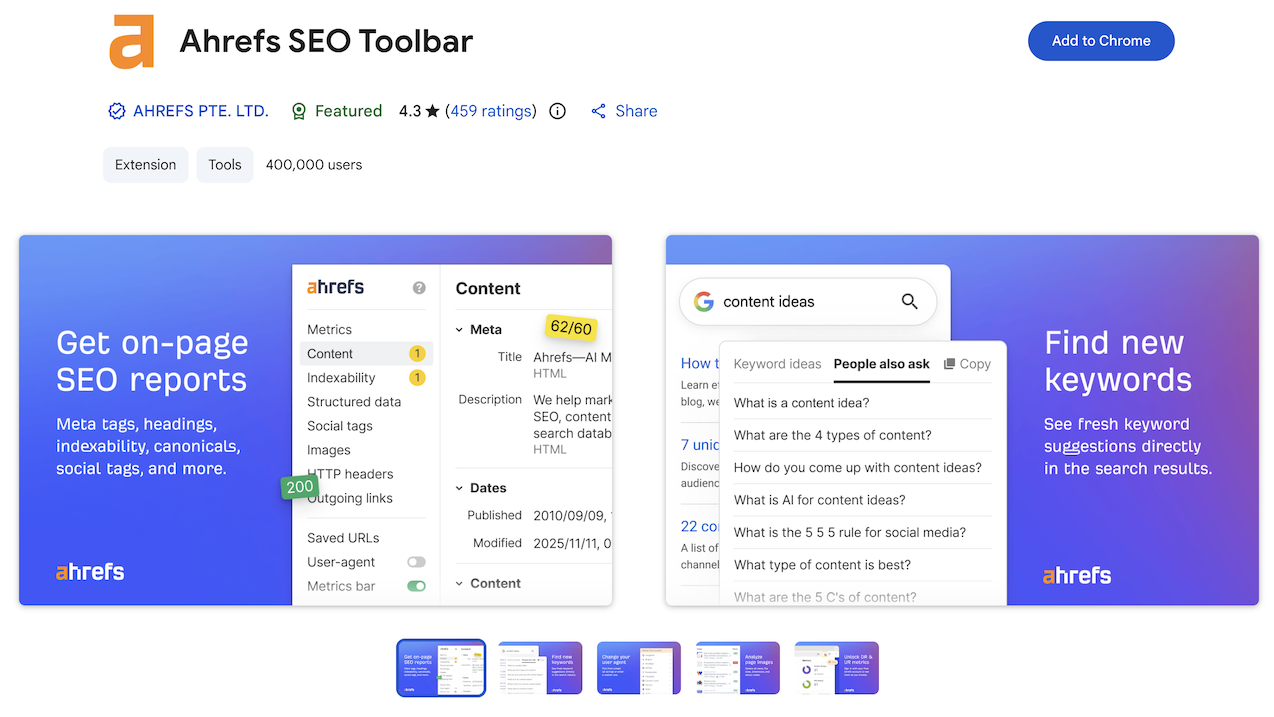
If your keyword is ahrefs seo toolbar chrome, here’s the fastest workflow:
Open any page you want to audit
Run the on-page report (titles, meta, canonicals, headers, indexability signals)
Use SERP overlays when doing “alternatives / best tools / X vs Y” research
When you find pages that already rank, save them as link prospects or content benchmarks
Pro move: use it to qualify link opportunities:
Are they indexing correctly?
Do they link out?
Are they listicle-style pages that accept additions?
Real workflows that make SEO toolbars worth it
1) 60-second on-page QA before publishing
Title length and uniqueness
H1 exists and matches intent
Canonical is correct
Meta robots is index/follow
Schema present (when relevant)
Internal links included
2) Competitor teardown (the “why are they outranking me?” pass)
Content structure: headings + sections
Internal link patterns
Outbound citations
Tech: canonicals, hreflang, noindex accidents
Rendered content (JS frameworks)
3) Link prospect qualification (stop wasting outreach)
Before you email anyone:
Check if the page is indexable
Confirm it’s not redirecting or canonicalized away
See if it already links to competitors
Decide whether your pitch is “add us” or “replace broken/outdated”
FAQ:
What is the best seo toolbar?
For most people: Ahrefs SEO Toolbar as your main SEO toolbar + Detailed SEO Extension for fast on-page inspection.
What is the best seo toolbar for chrome?
If you want one answer: Ahrefs SEO Toolbar. If you want the best combo: Ahrefs + Detailed + Redirect Path.
What’s the best toolbar for quick SEO checks?
Detailed SEO Extension is the fastest “best toolbar” for on-page elements (titles, canonicals, schema, robots).
What are the best toolbars for SEO teams?
A minimal team stack is best: one metrics toolbar (Ahrefs/MozBar/SEOquake) + one technical helper (Redirect Path) + one on-page inspector (Detailed).
Is there an seo toolbar for internet explorer?
Not in a modern, reliable way. Use Edge (IE Mode if needed) and do SEO checks in Chrome/Firefox/Edge with proper extensions.
What is an seo bar?
“SEO bar” usually means a toolbar that overlays SEO metrics in your browser or directly in search results—same concept as an SEO toolbar.
Do I need an seo ranking toolbar?
Only for quick directional checks. For anything you’ll report or bet revenue on, use a dedicated rank tracker (toolbars can be biased by personalization and location).

Generate, publish, syndicate and update articles automatically
The AI SEO Writer that Auto-Publishes to your Blog
- Cancel anytime
- Articles in 30 secs
- Plagiarism Free